7 Custom Gift Design Tips for Clean Customization That Looks Premium
Most customers search for custom gift design tips because they want a premium custom gift design, but they don’t know how to design custom gifts. At Stampare Productions, 40% of revisions happen because of font errors, wrong colors, or crowded designs. This guide stops that. Follow these 7 custom gift design tips and your gift will look like it costs 3x more.
6/10/20267 min read
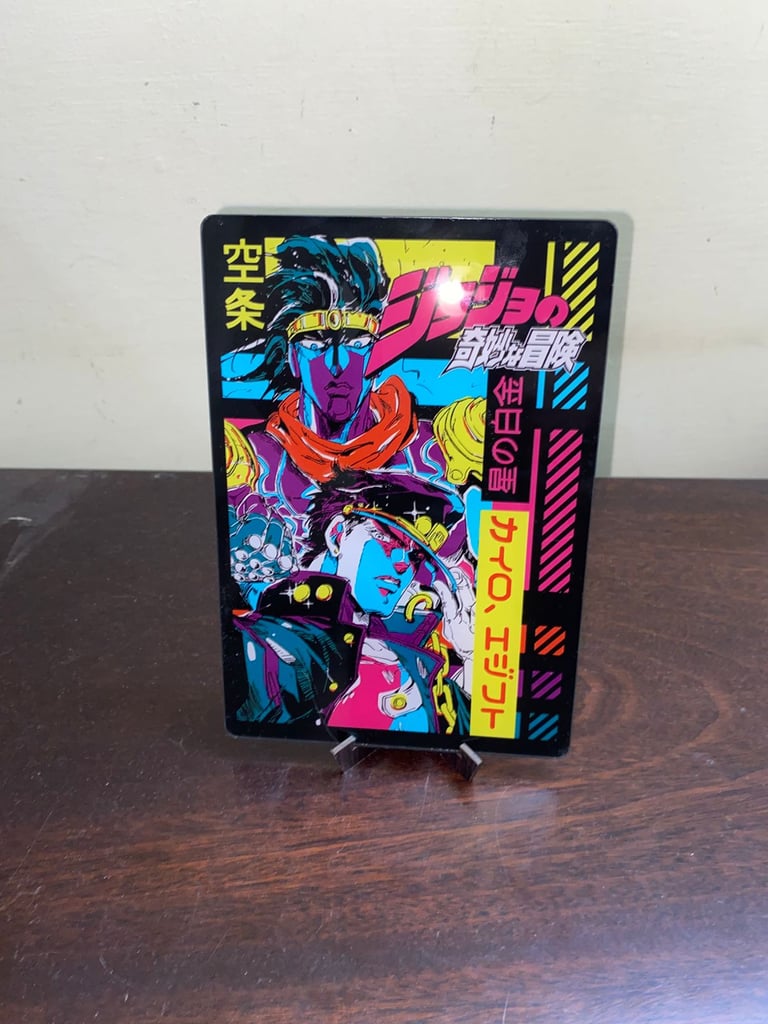
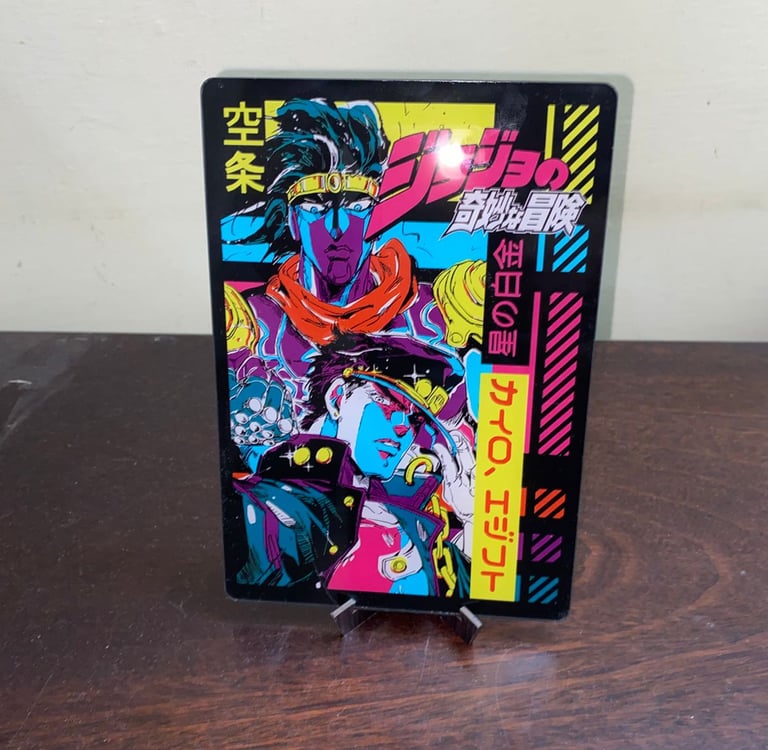
You’ve picked the perfect LED bottle or acrylic plaque. Now comes the scary part: the design. Most customers search for custom gift design tips because they want a premium custom gift design but they don’t know how to design custom gifts.
The result? Design mistakes on personalized gifts that look cheap, even when the product costs Rs 3,000. Bad layout = cheap gift. Clean design = luxury. That’s why layout tips for custom gifts matter more than price.
At Stampare Productions, 40% of revisions happen because of font errors, wrong colors, or crowded designs. This guide stops that. Follow these 7 custom gift design tips and your gift will look like it costs 3x more.
For how design affects production, read our pillar: How Custom Personalized Gifts Are Made at Stampare Productions.
Top 7 Custom Gift Design Tips for Personalized Gifts
Let's explore the best designs for custom gifts to give them a premium look.
Tip #1: Use 1–2 Colors Max
Custom gift color guide rule #1: Less is luxury.
Rainbow colors scream “budget birthday party." Here’s a logo color for engraving reality check: laser engraving has no color. It burns black on wood/acrylic and white/frost on steel and glass. Color for laser engraving is a trick question. The answer is none. If you send a 5-color logo for a laser engraving design, we convert it to black. It won’t look premium.
UV printing designs can do color. But premium custom gift designs use 1–2 colors max. Best combos for luxury include matte black and gold. Black text, gold logo. Works on white acrylic and clear bottles.
White ink on black gives a high contrast design. At this point, you might be asking, “Do you print white ink?” Yes, with UV. White is the best color for UV printing on black.
Navy and silver give a corporate and clean look. If you’re looking for professional custom gift designs, then monochrome is the way to go. Avoid cheap looking custom gifts by skipping gradients, neons, and full-screen logos in 6 colors.
Tip #2: Sans Serif Fonts for Names
The best fonts for personalized gifts depend on material. But 90% of premium custom gift designs use sans serif font. The font for laser engraving must be thick. Laser engraving design burns away material. Thin fonts disappear.
Why sans serif wins: Block font = bold font = clean burn.
Fonts you can use include the following:
Montserrat Bold
Poppins SemiBold
Gotham Medium
The minimum font size for laser engraving is 3 mm. Below that, letters break. 4mm text height is safe for all materials. Serif fonts like Times New Roman have thin parts. They vanish. Monoline font breaks.
If you’re asking, “Can you engrave thin fonts?” The answer is no. Letter spacing matters. How much spacing for engraving? Add 10% tracking. This stops letters from merging.
What font works best on acrylic? Poppins Bold, 4mm and above.
What font works best on wood? Montserrat ExtraBold, 5mm and above. A darker burn needs a thicker font.
What font works best on a steel bottle? Gotham Bold.
The font style for nameplates must be sans serif and all caps. Should I use all caps for engraving? Yes, for names. ALL CAPS gives high contrast designs that are more legible and give a premium look.
Personalized gift typography rule: names in caps, dates small.
Tip #3: Script Fonts for Dates
You might be wondering, “Can you engrave script fonts?” Yes, but only for small texts. Never for names. The script font has thin connectors. Laser engraving skips them. “Ayesha” becomes “A y e s h a."
If you’re asking, “Why did my text not engrave clearly?” The answer is script font + small size. Some custom gift design mistakes to avoid include using calligraphy for full names. It looks broken after engraving. When the script works: Dates, “Est. 2025," and "Forever." Under 6 mm in height, script is OK because the lines are thicker relative to size.
Safe script fonts include the following:
Great Vibes
Alex Brush – but only 5mm+ height.
You can test this with a free mockup design check before approval. Premium custom gift design formula: Name = Sans Serif Bold. Date = script font.
Tip #4: Alignment
Layout tips for custom gifts change perceived value instantly. A centered layout gives luxury, balance, and a premium look. Use this tip for the following:
Names: “SARAH”
Short text: “Best Dad”
Dates: “15.08.2025”
Left aligned text gives off a modern and corporate look. Use this tip for long quotes with more than two lines. Centered quotes look amateur. Consider the following things while designing:
Where to place names on a nameplate: Center, 60% from top.
Where to place logos on a bottle: Top left if name is centered
Design tips for wedding gifts: Center the couple names. Date below in script.
Design tips for corporate gifts: Left align company name + logo. Right align event date.
Logo placement guide: Never center the logo and center the name on the same line. Looks cluttered.
Tip #5: Leave White Space
Negative space is the #1 difference between premium custom gift designs and bazaar printing. Avoid cheap looking custom gifts with these spacing rules:
5 mm margin from edges: The logo placement guide says never print to the edge. The laser can’t cut that close. Looks tight and cheap. The logo and name need breathing room.
Don’t fill space: Empty space shows luxury. Apple and Chanel all use white space.
Designs that we reject daily include:
Name, date, logo, and quote all with the same size, no gaps
Full-screen logos covering entire bottle
Text wrapping around curves with no margin
How to make a logo look premium? Shrink it. The more space around it, the more expensive it looks.
Premium custom gift design = 40% design, 60% empty space. Trust us.
Tip #6: Logo Size Rule
Clean logo designs for gifts need the right size. If it's too big, it's too tacky. If it's too small, it's invisible.
Here’s the logo size rule by product:
Logo on bottles: 2-inch max width, 5 cm. Why? Bottles curve. A logo on a steel bottle over a 2-inch space warps. It looks stretched.
Logo on acrylic plaques: 30% of plaque width max. An A4 plaque needs a logo that's 6 cm wide. Rest is the name/date space.
Logo on nameplates: 25% height. Text is the hero; the logo is the accent.
Logo on wood: 20% max. Wood grain is the star. A big logo hides it.
A full-screen logo is the #1 custom gift design mistake to avoid. You paid for the product, not to hide it under your logo. Vector logos for design let us resize without pixelated logo issues. Send AI or 300 DPI for UV printing. Never stretch a small JPG.
See the best file types for logos for file prep to learn more.
Design tips for corporate gifts: Small logo = confidence. Big logo = insecurity. Professional custom gift design = 15% logo, 85% message.
Tip #7: Test on Mockup
You need to learn how to design custom gifts without fear. You can test with a free mockup. A free mockup design check is Step 2 of how to order custom products online. You see the exact font, size, color, and placement before we print.
Do you send proof before printing? Yes, 100% of our orders.
Custom gift mockups show:
Font for laser engraving – Is it thick enough?
Logo color for engraving – Converted to black correctly?
Layout tips for custom gifts – Centered? Margins OK?
Logo size rule – Too big? Too small?
Custom gift revisions happen here.
Can you engrave thin fonts? The mockup will show it failing. We fix this before production. We do not offer design services, but we check your design for free. If it breaks rules, we tell you. No charge. Custom gift design mistakes to avoid are caught at the mockup stage.
Stampare Productions' design guidelines include the following:
Send vector files
Follow these 7 tips
Approve the mockup
Then we print
3 Design Mistakes to Avoid
Design mistakes on personalized gifts that guarantee a cheap look include the following:
Rainbow Colors: 4+ colors, gradients, neons. Laser engraving design can’t do it. The UV printing design looks busy. Use 1–2 colors max.
Tiny Text: Under 3 mm text height minimum. Why did your text not engrave clearly? Because it was a 2mm script. Can you engrave script fonts at 2mm? No. Names need 4mm text height and a safe bold font.
Full-Screen Logos: A logo covering 80% of the product. Logos on a bottle should be 2 inches max. Avoid cheap looking custom gifts by leaving negative space.
Word Art: Canva drop shadows don’t print. Solid colors only.
Conclusion: Get a Free Design Consultation
Now you know the top 7 custom gift design tips that make gifts look premium. Follow Stampare Productions’ design guidelines and your custom gift will look like luxury branding, not DIY printing.
Send Your Design for a Free Check on WhatsApp 0333-553-4443. We’ll check the font for laser engraving, logo color for engraving, text size for engraving, and layout in 10 minutes. Free. No order needed.
Already have perfect files? Read how to order custom products online to see next steps like proof, revisions, and pickup from our Karachi shop. We do not do deliveries. All orders are picked up from the Karachi shop. Deliveries are done in special circumstances only.
Frequently Asked Questions
1. What font works best for laser engraving on steel?
The font for laser engraving must be a sans serif font, a bold font, and 3 mm text in height minimum. Montserrat Bold, Poppins ExtraBold, and Gotham Bold work best. Use all caps for names.
2. Can you laser engrave in color?
No. Logo color for engraving is a trick question. Laser engraving burns material. Steel = white/frost. Wood/acrylic = black/brown. Color for laser engraving = not possible. For color, use UV printing designs.
3. Do you print white ink on black bottles?
Yes. Do you print white ink? Yes, with UV. The best color for UV printing on black is white. The best color for UV printing on white is black or gold. White ink printing needs a vector file or 300 DPI PNG with a transparent background.
4. My logo has gradients. Can you engrave it?
No. No gradients for engraving. The laser is on/off. We convert gradients to solid colors only. For a gradient look, use UV printing designs on flat surfaces. Send a CMYK colored vector file.
5. What is the smallest text you can engrave?
Text size for engraving is 3 mm in height for sans serif font. 4mm text height is safe for all materials. 2 mm text size minimum only for vector monoline font on steel. Script fonts need 5mm and above.
6. Do you offer design services if I don’t have a logo?
We do not offer design services. We place your files on products. We don’t create logos. We do a free design check and tell you if a font will work. For logos, hire a designer first. Then send us an AI file, a PDF vector, or a 300 DPI PNG.
Contact
Reach out for custom UV printing quotes
Phone
asif_lone@hotmail.com
+92 3335 5344 43
© 2025. All rights reserved.
Trust & Process: How It’s Made—From Order to Pickup